


Website maintenance: what to check every month at minimum
Many small business owners and freelancers put real effort into building a good website, and then never look at it again. That's understandable, you're busy running a business. But a neglected website is a silent liability: slow load times, broken links, expired certificates. Visitors leave without you ever finding out why.
The good news is that you don't need to be a developer to keep the basics in order. A simple monthly routine of an hour or two catches most issues before they become real problems. Here's what that routine should include at minimum.
1. SSL certificate and uptime
Check that your website is up and that the padlock icon is still showing in the browser. An expired SSL certificate scares visitors away and hurts your Google ranking. Most hosting providers renew it automatically, but a quick check takes thirty seconds and can save a lot of headaches.
2. Software updates
Running WordPress, WooCommerce, or another CMS? Check whether your theme, plugins, and core system are up to date. Outdated software is the most common cause of hacked websites. Always create a backup before applying major updates.
3. Verify your backup
Speaking of backups: do you actually have one? And does it work? It sounds basic, but many business owners only discover their backup was broken when they desperately need it. Check monthly that a recent backup exists and that you can restore it.
4. Load speed
A slow website costs you visitors and revenue. Use free tools like Google PageSpeed Insights or GTmetrix to check your load time. If your score has dropped since last month, something likely changed that deserves attention.
5. Contact form and email
Send a test message through your own contact form and make sure it arrives. It might sound overly cautious, but forms stop working regularly, after a plugin update, a server change, or a misconfigured email setting. If your contact form has been broken for weeks, you'll be the last to know.
6. Broken links
Links that lead nowhere make a poor impression and hurt your search visibility. Tools like Broken Link Checker (for WordPress) or a free online link checker show you quickly where things are going wrong.
7. Google Search Console
If you've set up Google Search Console, and you should, take a quick look each month for any notifications. Think crawl errors, security warnings, or pages that have suddenly dropped out of the index. It gives you a clear picture of how Google sees your site.
Tip: build a simple checklist
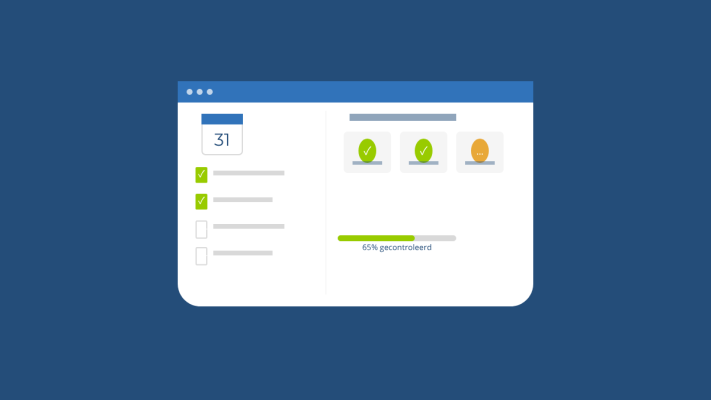
Put the points above into a basic document or spreadsheet and tick them off each month. It takes very little time but gives you a lot of peace of mind. If you'd rather not handle this yourself, or you keep running into technical issues, i'm happy to put together a maintenance plan that fits your situation.
Rather have it done than figure it out yourself?
I help businesses in Groningen, across the Netherlands and abroad with exactly this kind of question. Tell me briefly what you need and you will hear back within one working day.
Continue reading